CRM & Sales Automation
Streamline Your Pipeline
CRM, analytics, and marketing tools integrated seamlessly.
The real problem
A CRM is only as good as the system around it.
Most teams don't have a CRM problem — they have a disconnected systems problem. Leads land in one tool, ads report in another, the phone system talks to neither, and reps work from gut feel because no one trusts the data. The result is leads that slip, follow-up that never fires, and a pipeline you can't forecast.
We don't just "set up a CRM." We engineer the connected system underneath it — so every lead is captured, scored, routed, and attributed back to the dollar that created it.
Proof · JAN-PRO International
We deployed one enterprise CRM across 40+ franchise locations and built the lead engine that fed it — turning scattered, location-by-location effort into a single pipeline leadership could finally see and act on.
Read the case study →What We Deliver
A CRM ecosystem that captures every lead, automates your follow-up, and gives your sales team superpowers.
CRM Platform Selection & Setup
We evaluate your needs and configure the right CRM platform, whether HubSpot, Salesforce, or a custom solution.
Pipeline Automation
Automated deal stage progression, task assignment, and notifications that keep your pipeline moving without manual effort.
Lead Scoring
Behavioral and demographic scoring models that prioritize your hottest leads so sales focuses on deals most likely to close.
Drip Campaign Design
Personalized email and SMS sequences triggered by behavior, lifecycle stage, and engagement patterns.
Sales Process Optimization
Map, refine, and systematize your sales process to reduce cycle times and increase close rates.
Integration Architecture
Seamless connections between your CRM, marketing platforms, billing, and business tools for a single source of truth.
Our Approach
A structured CRM implementation that your team will actually adopt.
- 01
Process Mapping
- 02
Build & Configure
- 03
Train & Launch
- 04
Refine & Scale
Step 01 / 04
Process Mapping
Document your current sales process and identify bottlenecks and automation opportunities.
Platforms We Specialize In
Enterprise-grade CRM deployment across major platforms.
GoHighLevel
Ideal for all-in-one lead generation, automation, and appointment workflows.
HubSpot CRM
The best in B2B scaling, reporting, and lifecycle segmentation.
Zoho CRM
Powerful, customizable, and perfect for complex ops with flexible logic.
Salesforce
Enterprise-scale architecture, pipeline mapping, and 3rd-party integrations.
How It Connects
Full Funnel CRM Design
We align lead source → nurture flow → deal pipeline → reporting, so every contact and campaign is tracked from first click to closed deal.
Real-Time Integrations
Use Zapier, native APIs, n8n, or Make to connect your CRM with:
Data Sync + Deduplication
Clean, merge, and maintain records across tools with nightly syncs and automated checks.
Client Results
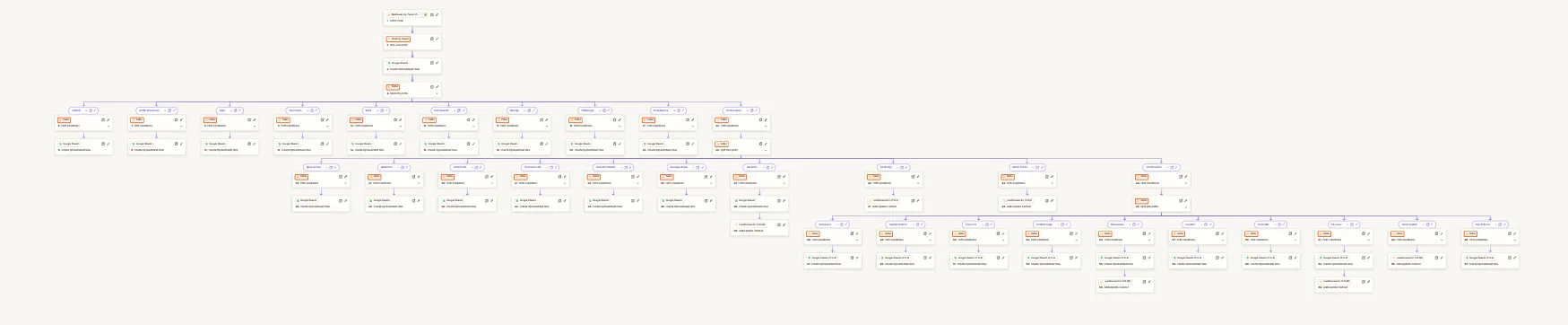
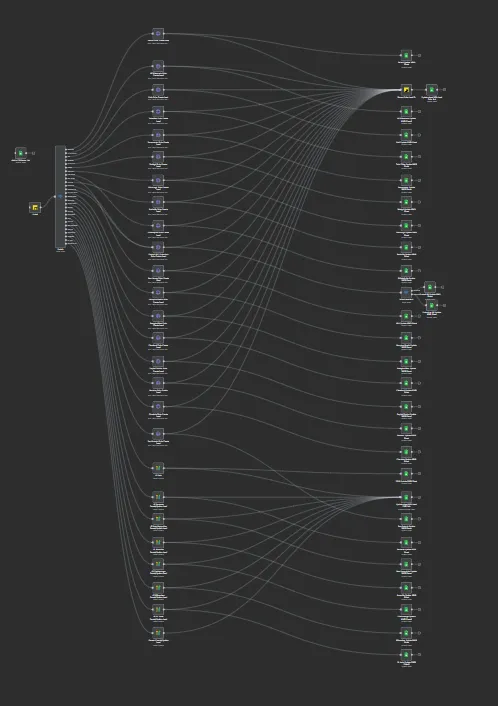
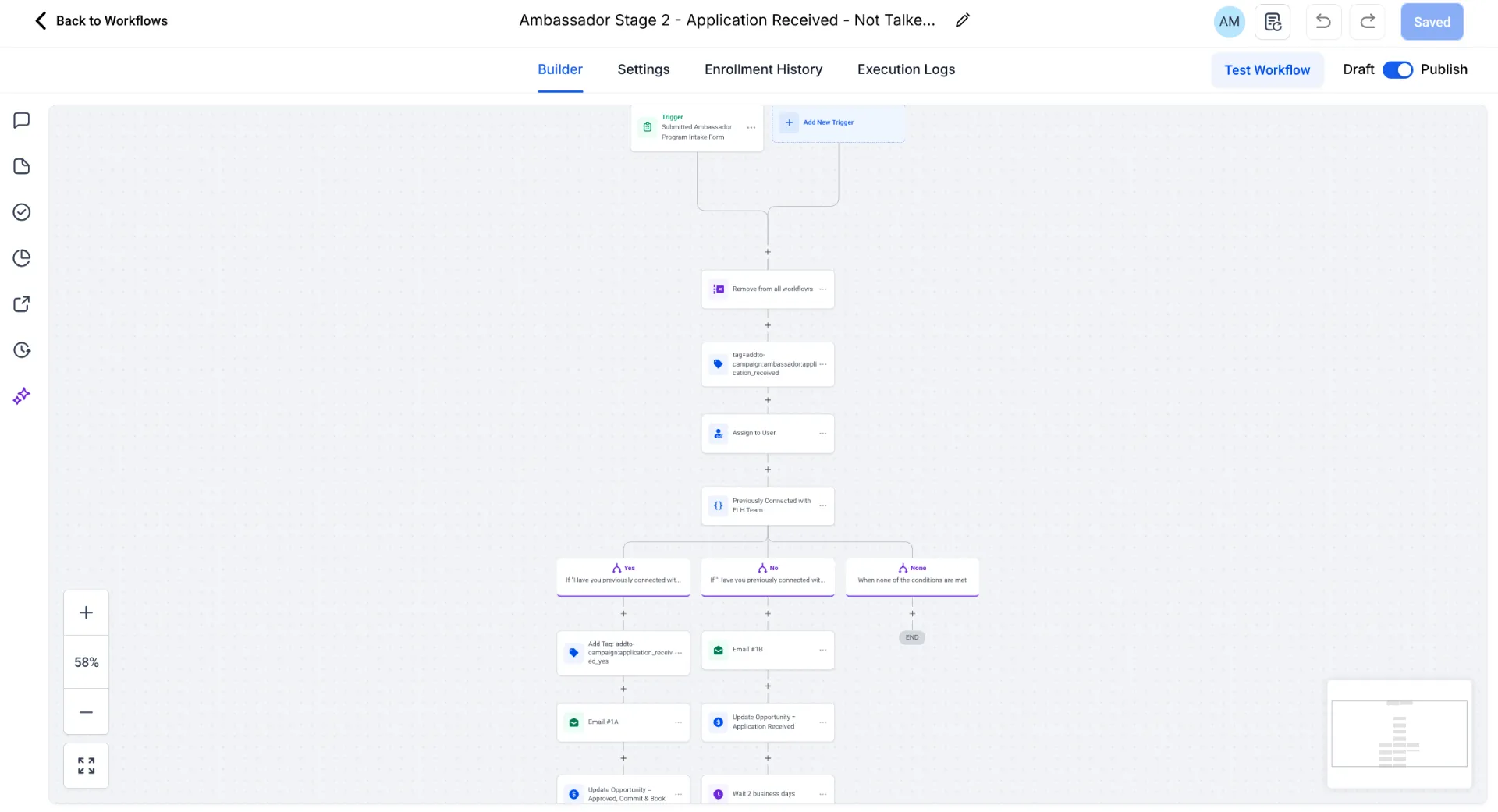
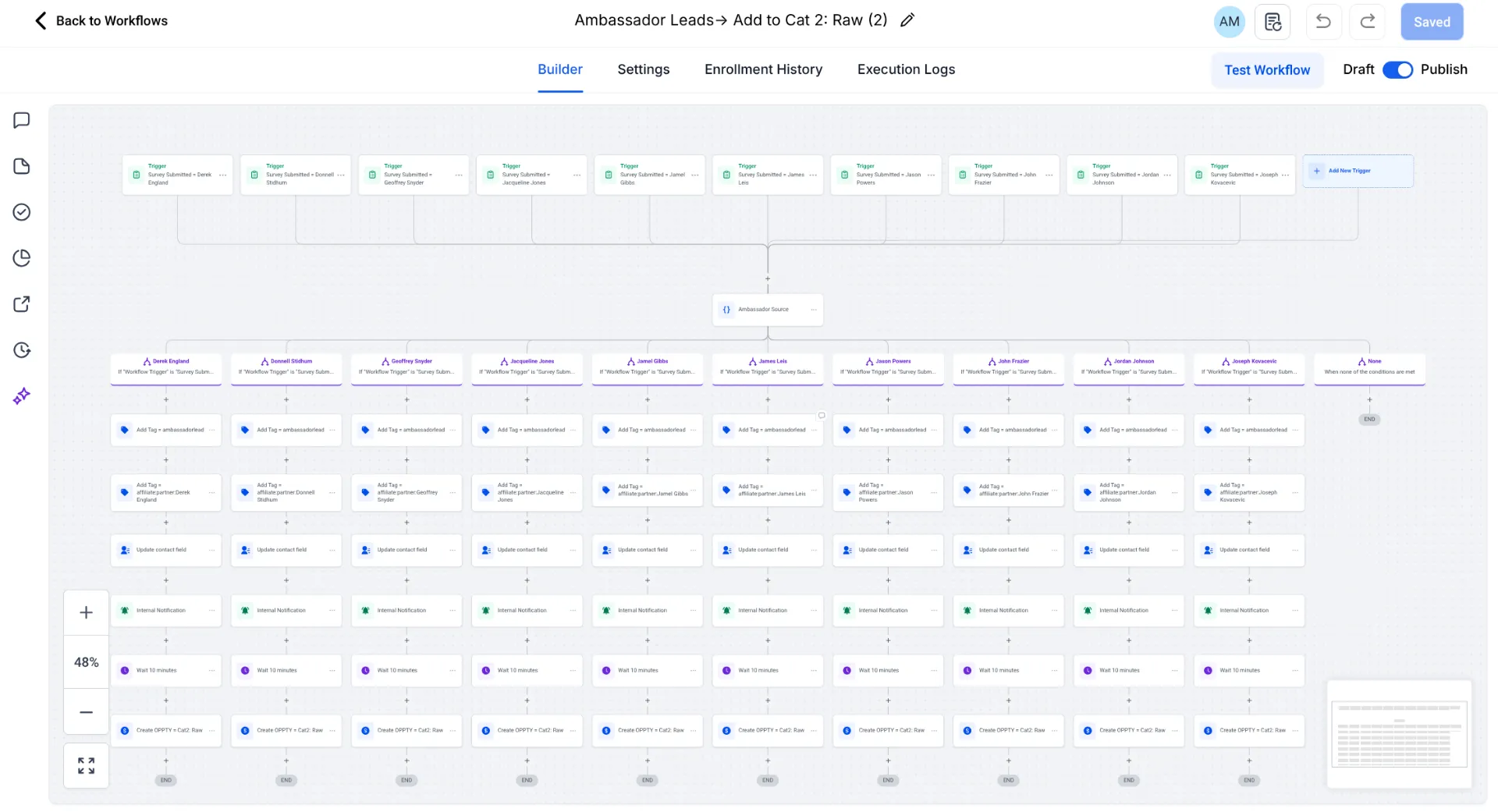
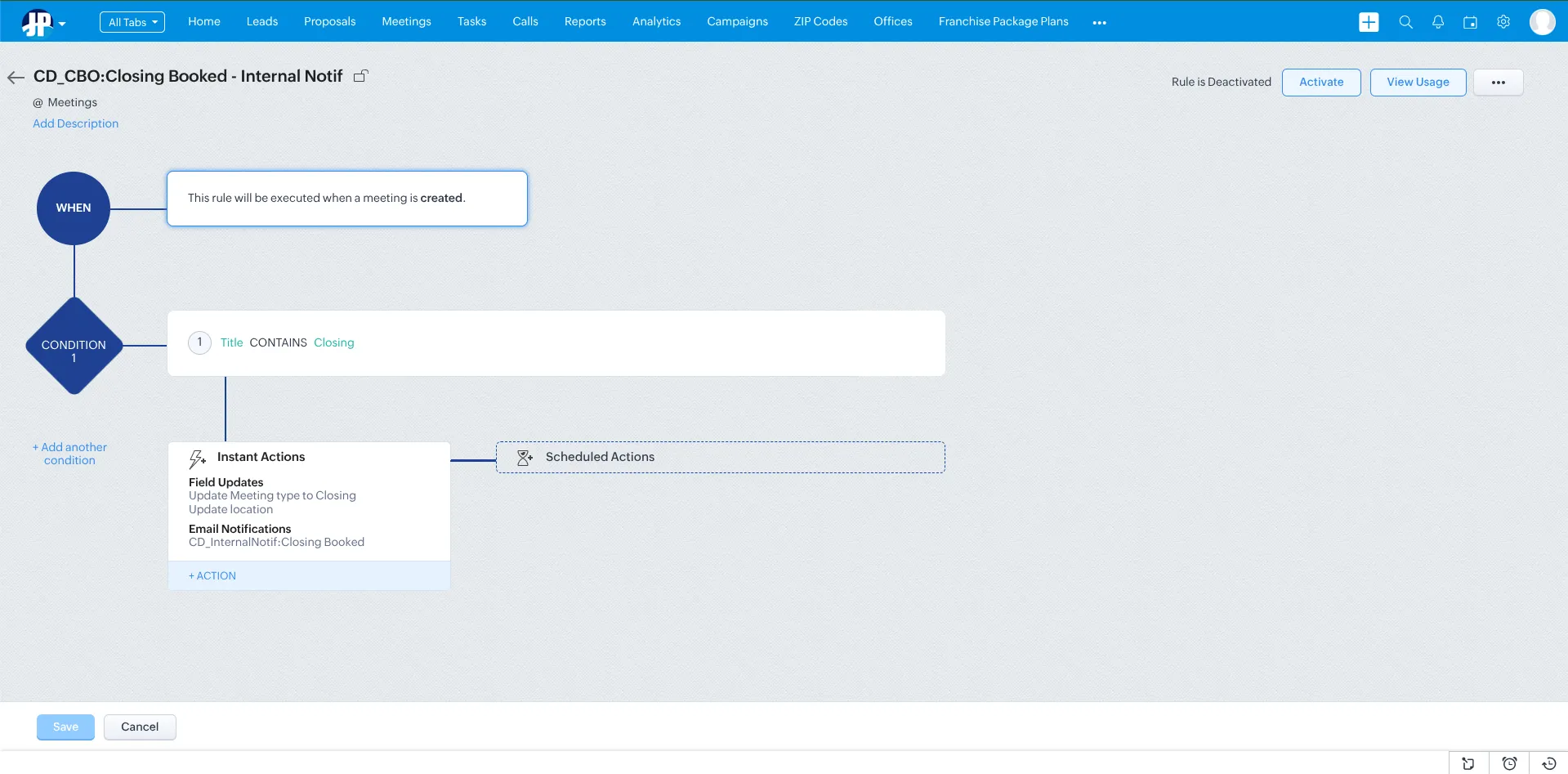
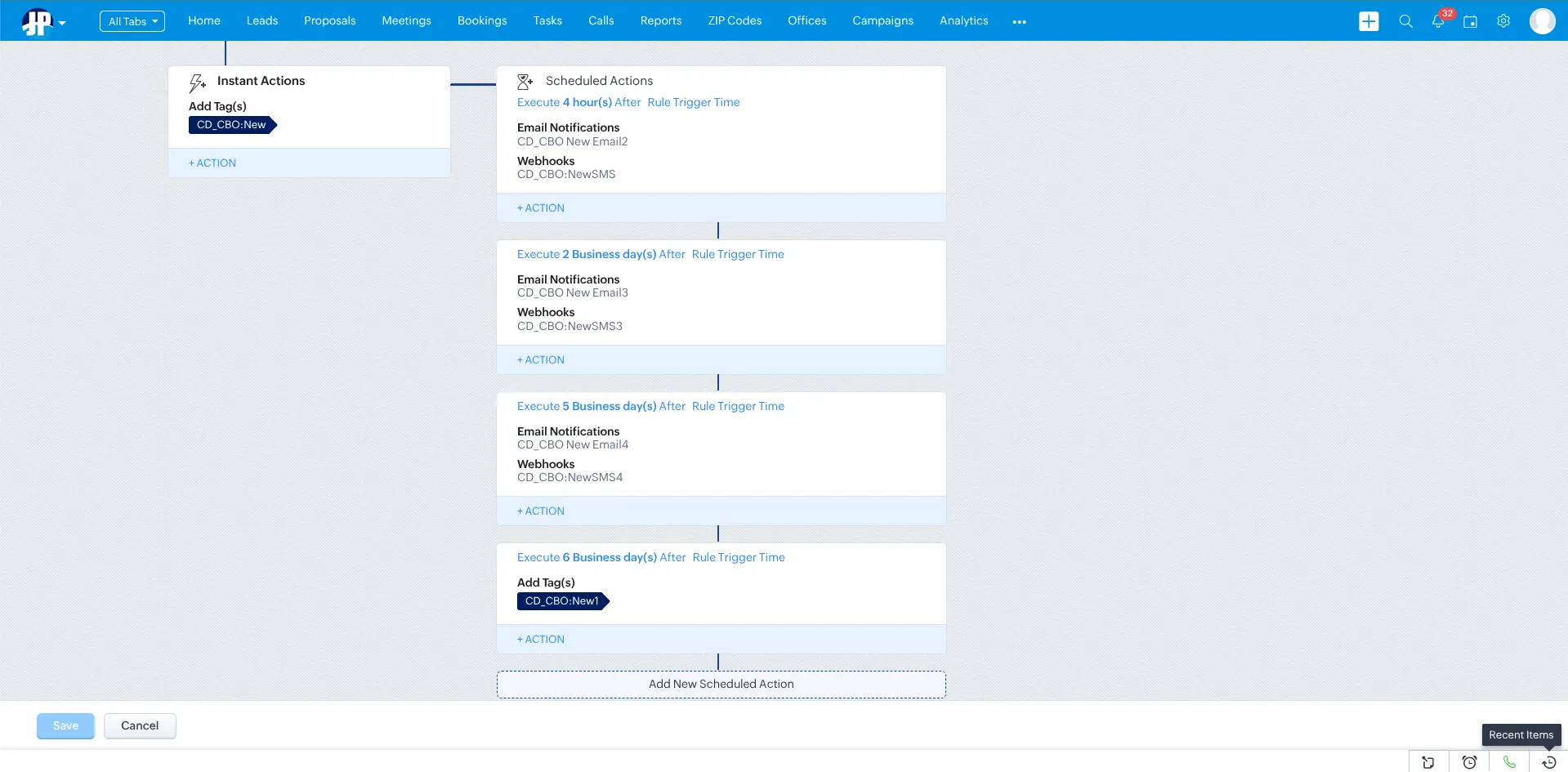
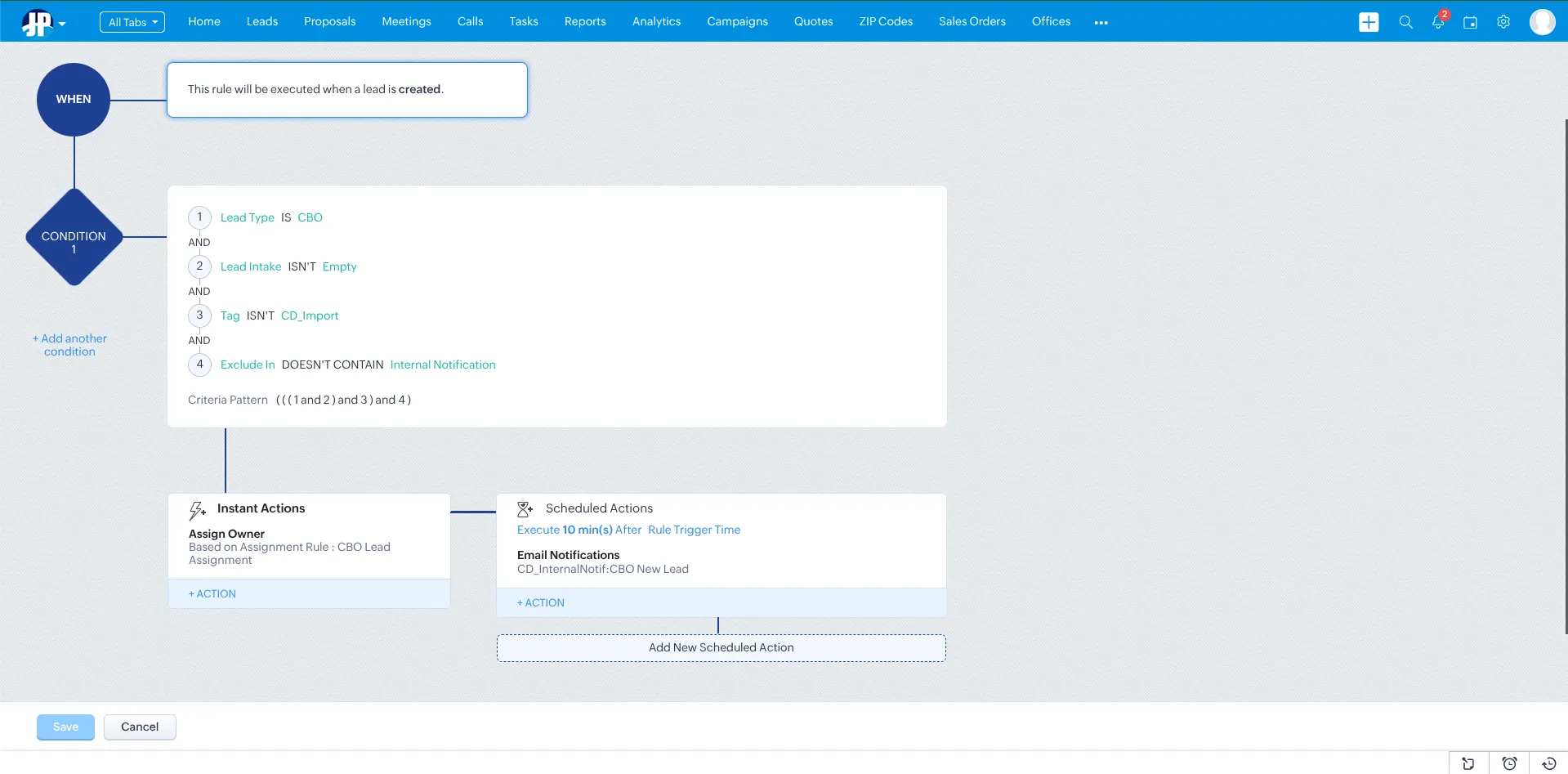
Real CRM workflows and automations we've built for clients.
What you usually get vs. what we ship
Most 'CRM projects' end at setup. Ours start there.
A typical agency or freelancer
- A platform license and a default pipeline copied from a template
- Your data imported — and some of it silently dropped
- A one-time training video, then you're on your own
- No connection to your ad accounts, billing, or phone system
- Reporting that looks busy but never ties back to revenue
- You chasing them for access to your own account
Concinnity
- A pipeline modeled on how your team actually sells
- A clean, de-duplicated migration with a rollback plan and zero data loss
- Hands-on training and documentation until adoption sticks
- Integrations to Google & Meta Ads, billing, calendars, and phone/SMS
- Attribution down to the lead — which dollar created which deal
- You own the account and the data. Always.
CRM questions, answered
Which CRM should we use — HubSpot, Salesforce, GoHighLevel, or Zoho?
Will it connect to our existing tools, ad accounts, and phone system?
How long does a migration take, and will we lose data?
How do you make sure our team actually uses it?
Do we own the CRM and our data?
How do you tie CRM activity back to revenue?
Can you connect the CRM to our paid media?
What does ongoing support look like? Are we locked into a contract?
Ready to Streamline Your Sales Pipeline?
Let's build a CRM system that captures every lead and automates your way to more closed deals.
Start Your CRM Strategy